How to Learn Programming in 2026: Complete Beginner Roadmap
A complete roadmap to learn programming in 2026 from zero. Covers which language to start with, free resources, projects, and how to get your first job.

- 1Complete beginner roadmap to learn programming from zero in 2026
- 2Covers language selection, learning resources, project ideas, and career paths
- 3Breaks the journey into clear phases with milestones and timelines
- 4Includes tips for staying motivated and building a portfolio that gets interviews
Learning to code is the highest ROI skill you can develop in 2026. Whether you want a tech career, want to build your own products, or just want to automate boring tasks - programming opens every door.
This guide shows you exactly how to go from zero to building real projects.
Why Learn Programming in 2026?
- Average developer salary: $95,000-$150,000 (US)
- Remote work: 70% of developer jobs offer remote options
- Job growth: 25% growth projected through 2030
- AI amplifies developers: AI makes programmers 2-5x more productive
- Build anything: websites, apps, games, AI tools, automations
- Low barrier to entry: free resources, no degree required
Step 1: Choose Your First Language
| Language | Best For | Job Demand | Difficulty |
|---|---|---|---|
| JavaScript | Web development | Highest | Medium |
| Python | AI, data science, automation | Very high | Easy |
| TypeScript | Modern web development | High | Medium |
| Java | Enterprise, Android | High | Medium-hard |
| C# | Game dev (Unity), enterprise | Medium | Medium |
| Swift | iOS apps | Medium | Medium |
| Go | Backend, DevOps | Growing | Easy-medium |
Recommended: JavaScript or Python
Choose JavaScript if:
- You want to build websites and web apps
- You want the most job opportunities
- You like seeing visual results quickly
- You want to be a full-stack developer
Choose Python if:
- You are interested in AI and machine learning
- You want the easiest syntax to learn
- You are interested in data science or automation
- You want to script and automate tasks
Step 2: Set Up Your Environment
What you need:
- A computer - any laptop or desktop works
- VS Code - free, best code editor (download from code.visualstudio.com)
- A browser - Chrome or Firefox with Developer Tools
- A terminal - built into VS Code
- Git - version control (download from git-scm.com)
- GitHub account - free, for storing your code

VS Code extensions to install:
- Prettier (auto-formatting)
- ESLint (code quality for JavaScript)
- Error Lens (inline error messages)
- GitHub Copilot (AI coding assistant - free for students)
Step 3: Learn the Fundamentals
Core concepts every programmer must know (regardless of language):
Variables and Data Types
How to store and work with information - numbers, text, true/false values, lists.
Control Flow
If/else statements - making your program make decisions. Loops - repeating actions.
Functions
Reusable blocks of code. The building blocks of every program.
Data Structures
Arrays (lists), objects (key-value pairs), maps, and sets. How to organize data.
Input/Output
Taking user input and displaying output. Reading and writing files.
Error Handling
What to do when things go wrong. Try/catch blocks.
Time needed: 4-8 weeks of consistent practice (1-2 hours/day)
Step 4: Free Learning Resources
Best Free Resources (Ranked)

| Resource | Language | Format | Why It Is Good |
|---|---|---|---|
| The Odin Project | JS/Ruby | Curriculum | Most complete free curriculum |
| freeCodeCamp | JS/Python | Interactive | Certifications, projects |
| javascript.info | JavaScript | Tutorial | Best JS reference |
| CS50 (Harvard) | C/Python | Video | Best CS fundamentals |
| Full Stack Open | JS/React | Course | University quality, free |
| Codecademy | Multiple | Interactive | Beginner friendly |
| MDN Web Docs | Web | Reference | Official web documentation |
| Python.org Tutorial | Python | Tutorial | Official Python tutorial |
Recommended Learning Path (JavaScript)
Month 1-2: The Odin Project - Foundations
- HTML and CSS basics
- JavaScript fundamentals
- Git and command line
- Build 3 projects
Month 3-4: freeCodeCamp - JavaScript Algorithms
- Advanced JavaScript
- Data structures and algorithms
- 5 certification projects
Month 5-6: Full Stack Open - React and Node.js
- React frontend
- Node.js backend
- Databases
- 7 projects
Using AI to Learn Faster
AI tools accelerate learning when used correctly:
ChatGPT as a tutor:
- "Explain closures in JavaScript like I am a beginner"
- "Why is my code giving this error: [paste error]"
- "Give me 5 practice exercises for array methods"
- "Review my code and suggest improvements: [paste code]"
GitHub Copilot as a learning aid:
- See how experienced developers would write code
- Learn new patterns and approaches
- Autocomplete helps you code faster while learning syntax
Warning: Do not let AI write all your code. You learn by struggling with problems, not by having AI solve them. Use AI to explain, not to replace your thinking.
Step 5: Build Projects
Projects are the most important part of learning. They prove you can actually build things, not just follow tutorials.
Beginner Projects (Month 1-2)
- Personal portfolio page - HTML/CSS only
- Calculator - JavaScript logic and DOM
- To-do list - CRUD operations, localStorage
- Weather app - API fetching, async JavaScript
- Quiz game - game logic, score tracking
Intermediate Projects (Month 3-4)
- Blog platform - React, routing, state management
- E-commerce product page - cart functionality, price calculations
- Chat application - real-time updates, WebSocket
- Recipe finder - API integration, search, filtering
- Expense tracker - data visualization, local storage
Advanced Projects (Month 5-6)
- Full-stack blog - React + Node.js + database
- Social media clone - authentication, CRUD, image uploads
- AI chatbot - OpenAI API integration
- Portfolio with CMS - Next.js + headless CMS
- Open source contribution - collaborate with other developers
Step 6: Avoid Common Mistakes
1. Tutorial Hell
Problem: Watching tutorials endlessly without building anything. Fix: Follow the 20/80 rule - 20% tutorial watching, 80% building projects.

2. Trying to Learn Everything
Problem: Jumping between languages and frameworks. Fix: Master one language and one framework before exploring others.
3. Not Using Git
Problem: Code is not version controlled or backed up. Fix: Use Git from day one. Push every project to GitHub.
4. Ignoring Errors
Problem: Googling errors without understanding them. Fix: Read error messages carefully - they usually tell you exactly what is wrong.
5. Comparing Yourself to Others
Problem: Seeing experienced developers and feeling inadequate. Fix: Everyone started where you are. Compare yourself to where you were last month.
6. Not Writing Code Daily
Problem: Inconsistent practice. Fix: Code every day, even if just 30 minutes. Consistency beats intensity.
7. Perfectionism
Problem: Spending weeks perfecting one project. Fix: Done is better than perfect. Ship projects, get feedback, improve.
Step 7: Career Options
Self-Taught vs Bootcamp vs Degree
| Path | Time | Cost | Job Readiness |
|---|---|---|---|
| Self-taught | 6-12 months | Free-$50/month | Good with portfolio |
| Bootcamp | 3-6 months | $10K-$20K | Good with support |
| CS Degree | 4 years | $40K-$200K | Best for big tech |
Self-taught is viable - many companies care more about your portfolio and skills than your education. The key is building real projects and contributing to open source.
Getting Your First Job
- Build 3-5 portfolio projects (deployed and on GitHub)
- Create a portfolio website showcasing your work
- Optimize LinkedIn with projects and skills
- Apply to junior positions - aim for 5-10 applications per week
- Practice interview questions on LeetCode (easy problems)
- Network - attend meetups, join Discord communities, contribute to open source
- Freelance on Upwork - build experience and earn while job hunting
Related ByteVerse guides
Next, read Git and GitHub Beginners Guide 2026, JavaScript Roadmap 2026, Best AI Coding Assistants 2026, Best VS Code Extensions 2026, and How to Make Money with AI 2026, Top 10 Programming Languages 2026, Docker for Beginners Guide to build a stronger workflow around this topic.
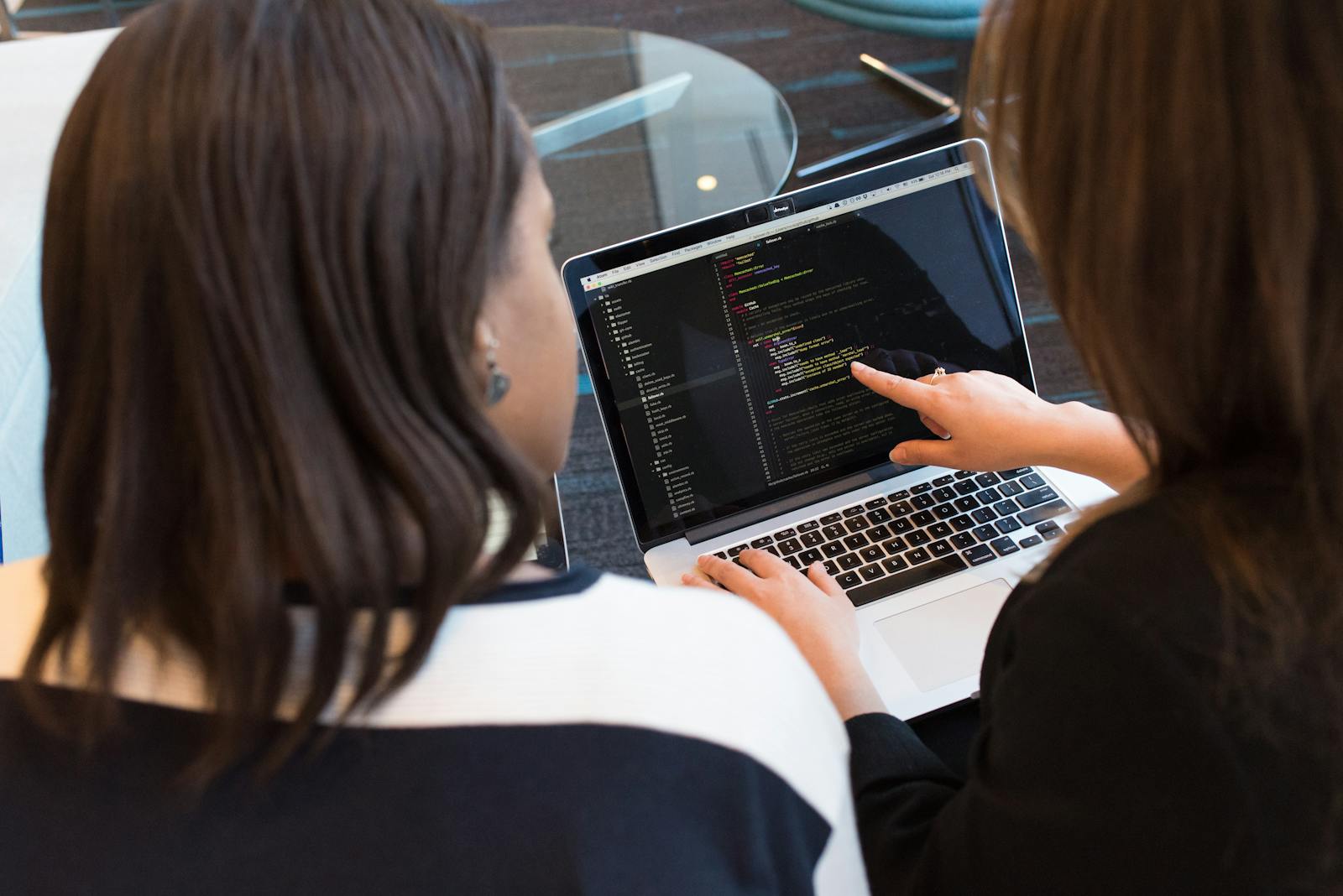
Once you know JavaScript basics, learn TypeScript - it's the natural next step and most companies require it in 2026.
Keep Building
Once you have the basics down, start building projects with free APIs to practice real-world coding. Then put everything together in a portfolio website that shows what you can do.
Frequently Asked Questions
Can I learn programming for free?
Yes. The Odin Project, freeCodeCamp, CS50, and Full Stack Open are all completely free and provide better education than many paid courses. You only need a computer and internet access.
How long does it take to learn to code?
With consistent daily practice (1-2 hours), you can learn the basics in 2-3 months and be job-ready in 6-12 months. The key is building projects and coding every day - consistency matters more than hours.
Am I too old to learn programming?
No. People successfully career-switch to programming at 30, 40, and 50+. Tech companies value skills over age. The only requirement is willingness to learn and practice consistently.
What programming language should I learn first?
JavaScript if you want web development (most jobs). Python if you want AI/data science (easiest syntax). Both are excellent choices - pick the one that matches your interests and start building.
Do I need a computer science degree?
No. Many successful developers are self-taught. Companies increasingly value portfolios, projects, and practical skills over degrees. A CS degree helps for big tech companies (Google, Meta) but is not required for most jobs.
Is coding still worth learning with AI?
More than ever. AI makes developers more productive, not obsolete. Developers who use AI tools are 2-5x faster. The demand for developers is growing because AI creates new possibilities, not because it replaces programmers.
Recommended Products
Disclosure: Some links above are affiliate links. We may earn a small commission at no extra cost to you.
Share this article
Written by
Ali RehmanAuthor at ByteVerse
A Full Stack Developer and Tech Writer specializing in React.js, Next.js, and modern JavaScript, sharing insights on web development, frontend technologies, backend APIs, and scalable applications.
View all posts