
How to Write a Cover Letter with AI in 2026 (Free, Step by Step)
A step-by-step method for writing a specific, human-sounding cover letter with AI in about ten minutes for free — the two inputs that matter, a structured ChatGPT prompt, the de-robot edit pass, and per-application tailoring.

- 1The resume-plus-job-description input is what separates a useful AI cover letter from generic filler — feed the model both, plus one true company-specific fact only you can supply.
- 2A structured prompt (word count, connect two accomplishments to two requirements, banned clichés, no invented facts) turns AI from a template machine into a real drafting partner on free ChatGPT or Claude tiers.
- 3The draft is 80% there and 100% detectable — the human edit pass (rewrite the opening, break the rhythm, cut adjectives, verify every claim) is where it becomes a letter worth sending.
Most cover letters die in the first sentence. "I am writing to express my interest in the position advertised on your website" — a hiring manager has read some version of that line countless times, and attention drifts before they reach your name. AI can help, but not the way most people use it: pasting "write me a cover letter for a marketing job" produces the same generic template everyone else submits. This guide is a method that works better — using AI to draft a specific, human-sounding cover letter tailored to one job, quickly and for free on the tiers of tools like ChatGPT and Claude, without it reading like a robot wrote it. It pairs directly with our guide to writing a resume with AI; together they cover the whole application.
Research note: the AI facts here were checked on September 24, 2026 — ChatGPT's own help center confirms it is free to use, and the prompts below were written for the free tiers of ChatGPT and Claude. Job-market norms vary by industry and country; treat the hiring-side observations as widely-held best practice, not guarantees. Nothing here is sponsored.
Do You Even Need a Cover Letter in 2026?
Honest answer: sometimes. A cover letter is worth writing when the application explicitly asks for one, when you are changing careers and need to explain the pivot, when there is a gap or unusual detail your resume cannot address, or when the role is competitive enough that a strong letter breaks a tie. It may be less useful when a form has no field for it and the job is a high-volume listing that likely screens on keywords first.
The good news: AI can make drafting each letter much faster, so the calculation shifts. You can afford to write one whenever it might help, because the cost of doing so dropped sharply — though the editing still takes real time. What has not changed is the standard — a generic AI letter is arguably worse than none, because it signals low effort in a document whose entire purpose is to show effort.
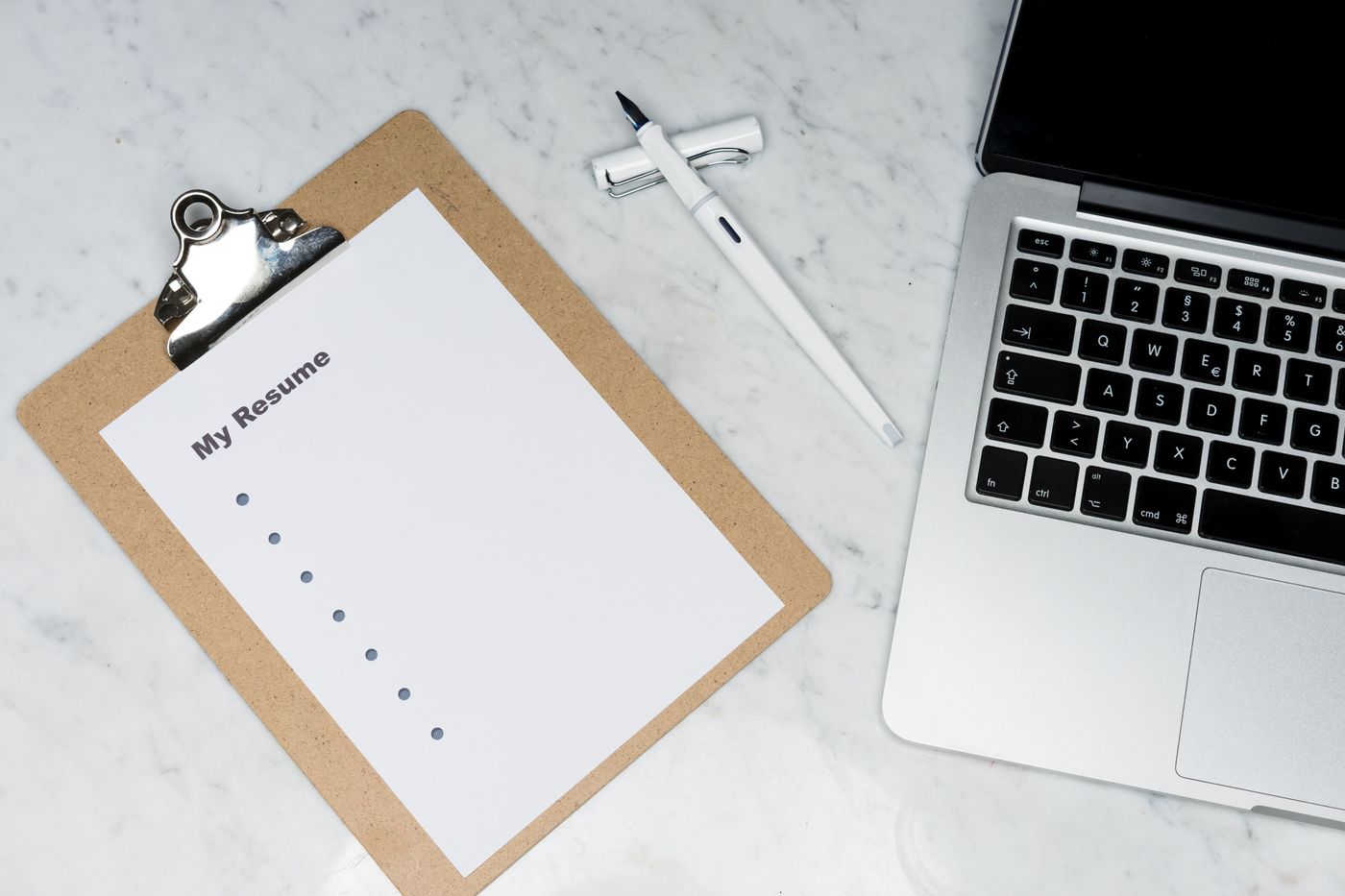
The Two Inputs That Make AI Cover Letters Work
The difference between a useless AI letter and a strong one is what you feed the model. Two documents are non-negotiable:
- Your resume — so the AI writes from your real accomplishments, not invented ones.
- The exact job description — so the letter mirrors the language and priorities of this role.
Skip either and you get filler. Give the model both, and it can connect specific things you have done to specific things the employer wants — which is the entire job of a cover letter. This "resume plus job description" pattern is the single most important idea in this guide, and it is why the autocomplete searches for "AI cover letter generator from resume and job description" exist: people have discovered that context is everything. The broader principles are in our prompt engineering guide, and they apply here word for word.
Step 1: Prepare Your Raw Material
Before opening any AI tool, gather three things in a scratch document:
- Your current resume text (plain text is fine — if you are still building it, our resume-with-AI guide and the best AI resume builders get you there).
- The full job description, copied from the posting.
- One or two true, specific facts about the company that are not on their homepage banner — a recent product launch, a value they emphasize, a problem their industry faces. This is what makes the opening line impossible to have been sent to anyone else.
That third item is the secret weapon. AI can write competent prose; it cannot know that you noticed the company just expanded into a market you have experience in. You supply the specificity; AI supplies the fluency.
Step 2: Write the Prompt That Produces a Real Draft
Open a free AI assistant — ChatGPT is free to use per OpenAI's own help center, and Claude has a capable free tier. Then use a prompt with structure, not a one-liner. A version that works:
"Here is my resume: [paste]. Here is the job description: [paste]. Write a 250-word cover letter for this role. Connect my two most relevant accomplishments to the role's top two requirements. Tone: conversational-professional, confident but not boastful. Do not use the phrases 'I am writing to express', 'I am excited to apply', or 'proven track record'. Do not invent anything not in my resume. Open with a specific, non-generic first sentence."
Every clause in that prompt is doing work: the word count keeps it tight, the "two accomplishments to two requirements" forces relevance, the banned-phrases list kills the tells that scream AI, and "do not invent" is your guardrail against fabrication. Save this as a reusable prompt — our free AI prompt generator can help you adapt it for different industries.

Step 3: The De-Robot Pass (Where Most People Stop Too Early)
The first draft will usually be close but still carry wording that feels machine-generated. AI has tells: it over-uses "moreover" and "furthermore," it writes in perfectly balanced triads, it loves the phrase "I am confident that," and it produces sentences of suspiciously even length. Your job now is to make it sound like you.
Three edits do most of the work:
- Rewrite the opening line by hand. This is the sentence that gets read; make it specifically yours. Reference the company fact you gathered in Step 1.
- Break the rhythm. AI writes even, metronomic sentences. Add a short one. Cut a long one in half. Real writing has variety.
- Cut one adjective per sentence. AI over-describes. "I successfully led a highly effective team" becomes "I led a team that shipped on time."
Run the result through a readability check — our free readability checker flags sentences that are too long or dense, which is often where AI prose gets robotic. If you want a rough sense of how machine-generated it still reads, the AI content detector gives one imperfect signal about wording that may seem AI-written, and the text humanizer helps rephrase the stiffest lines. Use these as signals, not scores to game — the goal is a letter that sounds like a competent human, because that is what you are.
Step 4: Tailor It for Each Application in Two Minutes
The reason AI wins here is not the first letter — it is the second, third, and tenth. Once you have a strong base letter, tailoring for a new role is a two-minute operation: paste the new job description and prompt, "Rewrite this cover letter for the following role, keeping my voice but re-pointing the two accomplishments at this job's priorities: [paste]."
This is how you apply to fifteen jobs a week with fifteen genuinely tailored letters instead of one generic letter sent fifteen times. If you are running a real search across multiple boards, our remote job boards guide covers where to point that volume, and the first tech job guide covers the wider strategy.
Step 5: The Facts-and-Formatting Check
Before sending, three verifications that AI cannot do for you:
- Every claim is true. Re-read each accomplishment. AI sometimes rounds "helped with" up to "led." If it inflated anything, correct it — a lie in a cover letter is a fireable offense later, not just an ethics problem.
- The company and role names are correct. The single most embarrassing cover-letter error is a leftover name from the last application. Search the document for the previous company's name every time.
- Formatting is clean and parsable. Some applications may feed cover letters through the same applicant tracking systems as resumes. Keep it plain: no tables, no images, standard headings, real text — the same ATS-friendly discipline covered in the resume guide.

The Anatomy of a Cover Letter That Gets Read
Structure the finished letter in four short paragraphs — AI will follow this if you ask, but you should know what good looks like:
- The hook (2-3 sentences). A specific opening that shows you know the company, plus a one-line statement of who you are professionally. No "I am writing to apply."
- The proof (3-4 sentences). Your single strongest accomplishment, told as a mini-story with a result, connected explicitly to what the role needs.
- The fit (2-3 sentences). Why this company — the genuine reason, tied to the fact you researched.
- The close (1-2 sentences). A confident, low-pressure sign-off. Not "I hope to hear from you"; something like "I would welcome the chance to talk through how I would approach [specific challenge in the role]."
Keep the whole thing under 300 words. Hiring managers skim; a wall of text loses before it is read.
Common Mistakes That Undo the AI Advantage
- Sending the raw AI draft. The one guaranteed way to look like everyone else. The draft is a starting point, never the final product.
- Letting AI invent achievements. It will, if your prompt allows it. "Do not invent anything not in my resume" belongs in every prompt.
- Repeating the resume. The cover letter tells one story with depth; it does not list everything again. If it duplicates the resume, it wastes the reader's time.
- Over-flattering the company. "Your world-changing, industry-leading innovation inspires me" reads as filler. One specific, true observation beats a paragraph of praise.
- Ignoring the voice mismatch. If your resume is plain and your cover letter suddenly reads like a novelist, the reader notices. Keep the tone consistent across both documents — and consistent with your LinkedIn profile, which recruiters check within minutes of shortlisting.
Where This Fits in the Bigger Job Search
A cover letter is one document in a system. The resume helps you get parsed and shortlisted; the cover letter can add context and make you memorable; interview prep helps you handle the conversation. AI accelerates all three, but the leverage compounds only if the inputs are real — your genuine accomplishments, honestly described. If you are freelancing rather than job-hunting, the same tailoring method applies to proposals; our freelancing guide and productivity apps for freelancers adapt it to client pitches. Students writing their first applications will find the adjacent workflow in our AI tools for students guide.
Frequently Asked Questions
How do I write a cover letter with AI for free?
Use the free tier of a general assistant rather than a paid dedicated generator. ChatGPT is free to use (per OpenAI's help center) and Claude has a capable free tier. Paste your resume and the job description, use a structured prompt that bans generic phrases and forbids inventing facts, then edit the draft by hand. You can draft a complete, tailored letter without paying anything.
What is the best ChatGPT prompt for a cover letter?
The strongest prompts include four things: your resume text, the full job description, a specific instruction to connect your top accomplishments to the role's top requirements, and a list of banned clichés ("I am writing to express," "proven track record"). Add "do not invent anything not in my resume." A one-line prompt like "write a cover letter for a sales job" produces the generic output everyone submits.
Can employers detect an AI-written cover letter?
They may notice a generic or poorly edited one. Unedited AI has recognizable tells — even sentence rhythm, stock phrases, generic openings — that can make a letter feel machine-generated to an experienced reader. A letter you drafted with AI and then edited into your own voice, with a specific opening and honest details, is more likely to read as personal because the thinking and details are yours. The risk lives almost entirely in skipping the edit pass.
Should I use a dedicated AI cover letter generator or ChatGPT?
For most people, a general assistant like ChatGPT or Claude gives useful control over tone, length, and content through direct prompting, at no cost on their free tiers. Dedicated generators may suit some workflows, especially for volume, but check their current features and pricing before relying on one. Whichever you use, the resume-plus-job-description input and the human edit pass matter more than the tool.
How long should a cover letter be?
Under 300 words, in four short paragraphs. Hiring managers skim, and a concise letter that makes one strong point beats a full page that restates the resume. Ask the AI for a specific word count in your prompt — "write a 250-word cover letter" — and it will keep it tight.
Do I still need a cover letter if the job does not ask for one?
Usually no — if there is no field for it and the role is high-volume, skip it. Write one when the application requests it, when you are changing careers, when you need to explain something the resume cannot, or when a competitive role makes a strong letter a tiebreaker. Because AI makes each letter much faster to draft, you can afford to write one whenever it might genuinely help.
Bottom Line
AI turned the cover letter from an hour of dread into a much quicker craft — but only for people who use it as a drafting partner, not a vending machine. Feed it your real resume and the actual job description, prompt it with structure and honest guardrails, then spend a few minutes making the draft sound like a human who did their homework. The applicants who lose are the ones who paste the raw output; the ones who win use AI for the mechanical drafting work and spend their saved time on the judgment part — the specific opening, the true story, the reason it is this company. Draft the base letter once, tailor it in a couple of minutes per job, and apply to more roles with better letters than you ever could by hand.
Sources and Image Credits
AI availability was verified on September 24, 2026 against OpenAI's ChatGPT help center ("ChatGPT is free to use"). Prompts were written for the free tiers of ChatGPT and Claude; free terms change, so confirm current limits before relying on any tool. Hiring-side observations reflect widely-held best practice, not guarantees.
Illustrative photographs from Pexels: the cover printed cover letter, drafting on a laptop, a recruiter reviewing an application, marking an application form, and a resume and laptop flat lay. They are illustrative, not endorsements.
Share this article
Written by
Ali RehmanAuthor at ByteVerse
A Full Stack Developer and Tech Writer specializing in React.js, Next.js, and modern JavaScript, sharing insights on web development, frontend technologies, backend APIs, and scalable applications.
View all posts

