9 Best No-Code App Builders in 2026 (Build Without Coding)
I tested the best no-code app builders in 2026 for web apps, mobile apps, internal tools, and MVPs. These platforms let you build real software without writing code.

- 1No-code app builders let non-technical founders and teams build web apps, mobile apps, and internal tools without writing code.
- 2Bubble leads for complex web apps, Glide for data-driven mobile apps, and Retool for internal business tools.
- 3Start with a clear MVP scope and choose the platform that matches your app type.
No-code app builders have matured enough in 2026 that real businesses are running production software built entirely without traditional coding. Internal dashboards, customer portals, marketplace MVPs, CRM tools, booking systems, and mobile apps are all being shipped by non-technical founders and operations teams using these platforms.
But the term "no-code" covers a very wide range of tools, and choosing the wrong one wastes months. Some platforms are great for simple internal tools but terrible for customer-facing products. Others handle web apps well but cannot produce a native mobile experience. The right choice depends entirely on what you are building, who will use it, and how complex the logic needs to be.
If your team is already exploring AI tools for small business or AI agent builders, no-code app builders are the complementary layer. AI handles intelligence. No-code handles the interface, data, and workflow logic.
Quick Verdict
For complex web apps and marketplaces, Bubble is the most powerful no-code platform.
For data-driven mobile apps, Glide is the fastest path to a polished product.
For internal tools and admin panels, Retool is the industry standard.
For simple websites and landing pages with app-like features, Softr and Webflow are strong.
For automation-heavy apps, Make (formerly Integromat) combined with a front-end builder is often underestimated.
What Makes a No-Code App Builder Worth Using?
A useful no-code app builder should let you:
- design user interfaces visually
- connect to databases and APIs
- build conditional logic and workflows
- handle user authentication and permissions
- deploy to web and mobile
- scale beyond a prototype without rebuilding from scratch
That last point matters the most. Many no-code tools are great for demos but break down when you need performance, security, integrations, or multi-user permissions at scale. The tools in this guide all handle production workloads, though with different strengths and limitations.
Best No-Code App Builders in 2026
| Platform | Best for | Type | Starting price |
|---|---|---|---|
| Bubble | Complex web apps and marketplaces | Web app | Free / $32/mo |
| Glide | Data-driven mobile apps | Mobile / PWA | Free / $60/mo |
| Retool | Internal tools and admin panels | Internal | Free / $12/user/mo |
| FlutterFlow | Native mobile apps | Mobile | Free / $30/mo |
| Webflow | Websites with app-like features | Website / CMS | Free / $18/mo |
| Softr | Portals from Airtable and Sheets | Web app | Free / $59/mo |
| Adalo | Simple mobile apps | Mobile | Free / $45/mo |
| Xano | Backend logic and APIs | Backend | Free / $99/mo |
| AppSheet | Google Workspace apps | Business app | Free / $5/user/mo |
1. Bubble — Best for Complex Web Applications
Bubble is the most powerful no-code platform for building web applications with complex logic, databases, user authentication, payment processing, and API integrations. If you are building a marketplace, SaaS MVP, booking platform, or multi-sided web application, Bubble gives you the most flexibility without writing code.
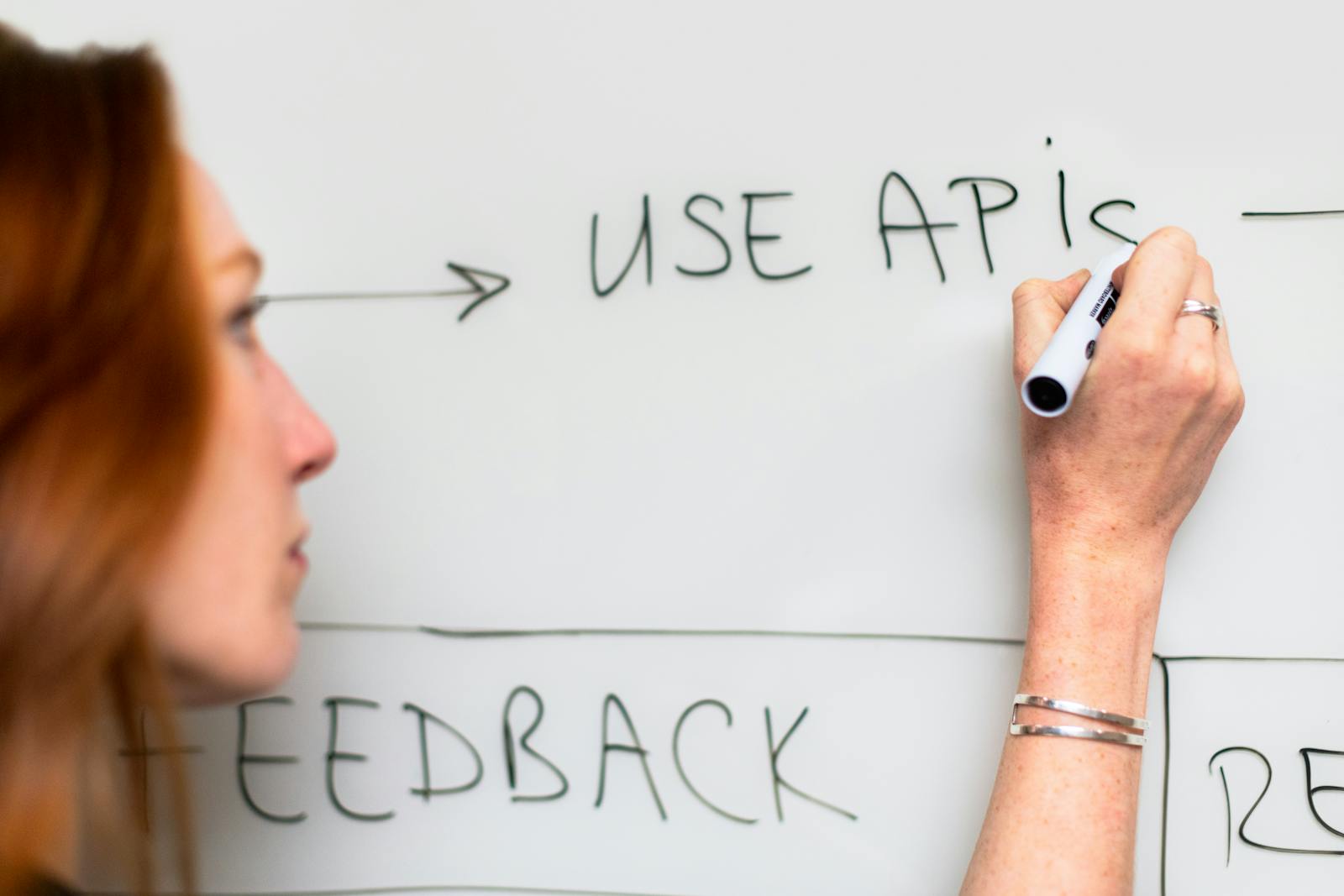
The learning curve is steeper than simpler tools, but the tradeoff is capability. Bubble handles conditional workflows, database relationships, custom API calls, user roles, responsive design, and plugin extensions. Many startups have launched and scaled real products on Bubble before deciding whether to rebuild in code.
For teams that need backend API logic beyond what Bubble offers natively, pairing it with Xano gives you a more robust architecture. If you also care about building AI features into your app, the concepts from building a RAG chatbot translate well to no-code environments with API integrations.
Best for: non-technical founders building complex web apps, MVPs, and marketplaces.
2. Glide — Best for Data-Driven Mobile Apps
Glide turns spreadsheets and databases into polished mobile apps. If your data already lives in Google Sheets, Airtable, or Excel, Glide creates a mobile-first interface on top of it with minimal setup. The result is a progressive web app (PWA) that works on any device.
The strongest use cases are inventory management, field service apps, customer portals, order tracking, team directories, and simple CRM tools. Glide is especially popular with operations teams that need a mobile interface for existing business data.
Teams using AI spreadsheet tools often find Glide is the natural next step when a spreadsheet needs a proper user interface.
Best for: teams that want to turn existing data into polished mobile apps quickly.
3. Retool — Best for Internal Tools and Admin Panels
Retool is the standard platform for building internal business tools. Dashboards, admin panels, data viewers, approval workflows, customer management screens, and operational consoles are all common Retool use cases.
Unlike consumer-facing no-code tools, Retool is designed for teams that need to connect directly to databases (PostgreSQL, MySQL, MongoDB), APIs, and third-party services. The drag-and-drop interface builds functional tools fast, but the real power is the depth of data source connectivity and the ability to write custom queries and logic when needed.
For companies already using AI data analysis tools, Retool provides the operational interface layer on top of the data infrastructure.
Best for: engineering and operations teams building internal business tools and admin panels.
4. FlutterFlow — Best for Native Mobile Apps
FlutterFlow generates real Flutter code from a visual builder, which means you can build native mobile apps for iOS and Android without coding. Unlike PWA-based tools like Glide, FlutterFlow produces apps that feel truly native with smooth animations, push notifications, and device-specific features.

The tradeoff is complexity. FlutterFlow has a steeper learning curve than simpler mobile builders, but the output quality is significantly higher. For teams that eventually want to hand the code to developers for further customization, the generated Flutter code is clean enough to work with. Teams exploring vibe coding with AI assistants often find FlutterFlow bridges the gap between pure no-code and traditional development because the generated code can be extended by developers later.
Best for: teams building native mobile apps that need to feel polished and perform well on both iOS and Android.
5. Webflow — Best for Websites with App-Like Features
Webflow is primarily a website builder, but its CMS, membership features, e-commerce capabilities, and logic integrations increasingly blur the line between website and web application. For businesses that need a marketing site, blog, and lightweight app features in one platform, Webflow is one of the most capable options.
The design freedom in Webflow is unmatched in the no-code space. You can build pixel-perfect responsive websites that look custom-designed. For teams that care about website speed optimization and design quality, Webflow produces cleaner output than most drag-and-drop builders.
Best for: design-focused teams building marketing sites, content platforms, and lightweight web apps.
6. Softr — Best for Building Portals from Airtable and Sheets
Softr is the fastest way to turn an Airtable base or Google Sheet into a client portal, internal tool, or community platform. If your business data already lives in Airtable, Softr gives you a polished front end with user authentication, permissions, listing pages, detail views, and forms without any coding.
The setup is remarkably fast. You can go from an Airtable base to a working web app in hours rather than weeks. The limitation is flexibility. Softr works best for structured, data-driven applications rather than complex custom logic.
Best for: businesses that want to build portals and apps on top of existing Airtable or Google Sheets data.
7. Adalo — Best for Simple Mobile Apps
Adalo makes building simple mobile apps approachable for complete beginners. If your app idea involves lists, forms, user profiles, notifications, and basic database operations, Adalo handles it with minimal learning curve. It produces both PWAs and native apps.

The limitation is complexity. Adalo is not the right choice for apps with complex business logic, heavy data processing, or advanced integrations. It is best for straightforward use cases like event apps, membership directories, simple marketplaces, and community platforms.
Best for: beginners building simple mobile apps with straightforward data and user flows.
8. Xano — Best for Backend Logic and APIs
Xano is not a front-end builder. It is a no-code backend platform that lets you build APIs, database logic, authentication, and server-side workflows without writing code. You pair it with a front-end builder like Bubble, Webflow, or FlutterFlow.
That separation of concerns is powerful. It means your frontend can be built with the best visual tool for your use case while your backend handles complex business logic, external API integrations, and data processing. For teams building serious applications, the Bubble + Xano or FlutterFlow + Xano combination is one of the most capable no-code architectures available.
Best for: teams that need serious backend logic and APIs without hiring a backend developer.
9. AppSheet — Best for Google Workspace Apps
AppSheet, owned by Google, turns Google Sheets, Forms, and other Google Workspace data into mobile and web apps. It is the most natural choice for teams already deep in the Google ecosystem. The pricing is also aggressive, starting at $5 per user per month.
The AI features include automatic app generation from your data, predictive models, and intelligent automation. For internal business processes like inventory tracking, inspection forms, field data collection, and approval workflows, AppSheet is often the fastest and cheapest path to a working app. If your needs lean more toward public-facing websites rather than internal apps, AI website builders offer options specifically optimized for that use case.
Best for: Google Workspace teams building internal business apps from existing spreadsheet data.
How to Choose the Right No-Code Builder
- Define the app type first. Web app, mobile app, internal tool, or website with app features?
- Identify the data source. Is your data in spreadsheets, a database, or external APIs?
- Assess complexity. Simple CRUD app or complex multi-user workflow?
- Consider the audience. Internal team tool or customer-facing product?
- Plan for scale. Will you need to handle thousands of users or stay small?

Match the answers to the platform strengths above. Most failures happen because people choose a tool before defining what they are building.
Common Mistakes with No-Code App Builders
Building without a clear MVP scope. Define the minimum feature set before opening any builder. No-code makes it easy to add features, which makes it easy to over-build.
Choosing based on ease instead of capability. The simplest tool is only right if your app is simple. Complex apps on simple platforms create technical debt you cannot fix.
Ignoring performance and scalability. Test with realistic data volumes and user counts before launching. Some no-code platforms slow down significantly under load.
Not planning for what happens after no-code. If the app succeeds, will you stay on the platform or migrate to custom code? Choose platforms that do not lock your data in.
Frequently Asked Questions
What is the best no-code app builder in 2026?
For complex web apps, Bubble. For mobile apps from data, Glide. For internal tools, Retool. For native mobile, FlutterFlow. The best choice depends on your app type.
Can you build a real business on no-code?
Yes. Many startups have launched, scaled, and even raised funding on no-code platforms. The key is choosing the right platform for your use case and planning for growth.
Is no-code really no code?
For most use cases, yes. Some advanced features may require formulas, expressions, or API configuration that feel code-like, but you rarely need traditional programming skills.
How much does it cost to build an app with no-code?
Platform costs range from free to a few hundred dollars per month. The total cost depends on your plan tier, add-ons, and whether you hire a no-code developer for complex features.
Final Recommendation
For most non-technical founders, Bubble is the strongest choice for serious web apps. For teams that need mobile apps from existing data, Glide is the fastest path. For internal business tools, Retool is the standard. Entrepreneurs exploring how to make money with AI often find no-code platforms are the fastest way to turn an idea into a testable product without hiring developers. Start with a clear MVP, build the simplest version that validates your idea, and expand from there.
Share this article
Written by
Ali RehmanAuthor at ByteVerse
A Full Stack Developer and Tech Writer specializing in React.js, Next.js, and modern JavaScript, sharing insights on web development, frontend technologies, backend APIs, and scalable applications.
View all posts